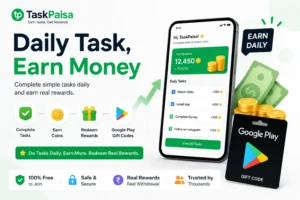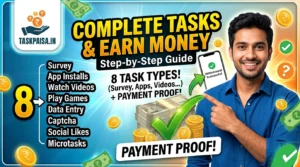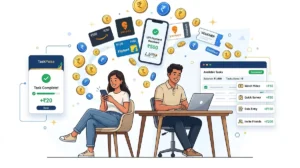

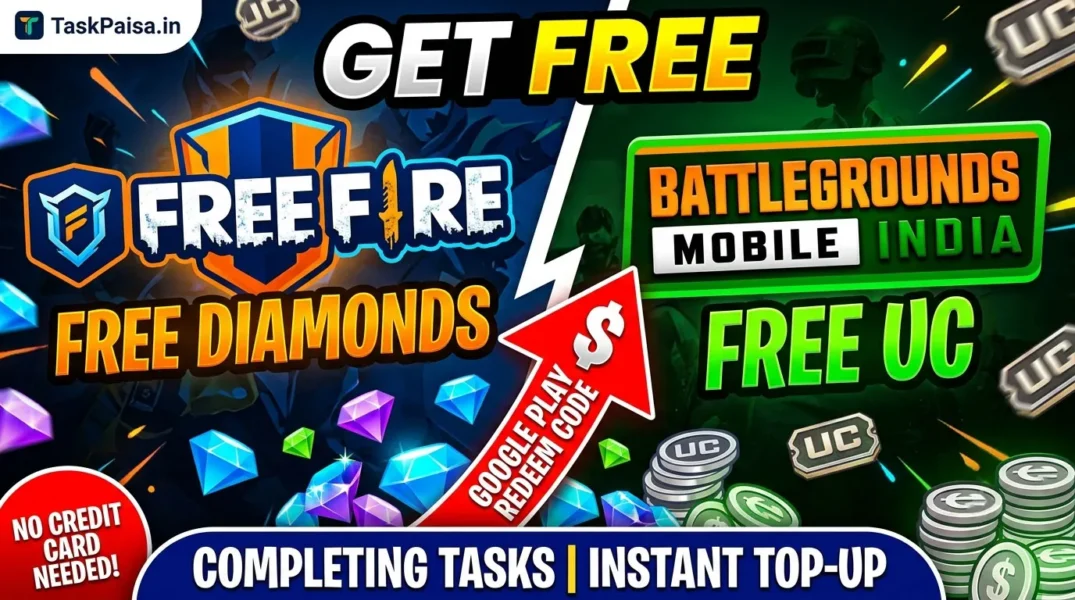
You don’t need a credit card, UPI, or your parents’ permission to top up Free Fire Diamonds or BGMI UC. Complete simple tasks on TaskPaisa, collect coins, redeem them for a Google Play gift code, and use that code to buy Diamonds or UC directly in-game — no cash ever leaves your pocket.
Every Free Fire or BGMI player has hit the same wall: a new bundle drops, the Elite Pass resets, or your squad is teasing you about your default skin — and the only way in is to pay. If you don’t have a card, don’t have UPI set up, or don’t want to ask a parent to swipe their credit card for a small top-up, this guide is for you.
The Loop: How Tasks Turn Into Free Diamonds or UC
Here’s the entire loop, start to finish:
- You complete a task — install an app, follow a page, leave a review, or watch a video
- You earn coins — each task shows its coin value before you start
- Coins convert to a Google Play gift code once you cross the minimum balance
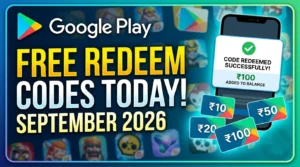
- You redeem the code in the Play Store — it adds balance to your Google account
- You spend that balance inside Free Fire or BGMI on Diamonds or UC, just like with a card
Nothing here touches your bank account. The “money” in this loop is entirely coins → gift code → in-game currency.
Step-by-Step: Turning 80 Coins Into a ₹10 Google Play Code
- Sign up on TaskPaisa with a Gmail ID — takes under two minutes, and you get 15 bonus coins instantly.
- Complete tasks until you hit 80 coins. App-install and sign-up tasks pay more than quick social tasks.
- Don’t skip the daily spin wheel — one free spin every 24 hours, pure bonus coins.
- Head to the redeem section once you cross 80 coins and select the Google Play gift code option.
- Wait for approval — usually around 24 hours, since each redemption is checked first.
- Redeem the code in the Play Store app under “Redeem Code” — balance is added instantly.
Using Your Code in Free Fire and BGMI
💎 Free Fire Diamonds
- Tap the Diamond icon on the top bar
- Choose “Top Up” → Google Play as payment method
- Pick a bundle within your balance
- Confirm — Diamonds land instantly
🔫 BGMI UC
- Open the UC top-up screen
- Select Google Play balance as payment
- Choose a UC pack that fits your balance
- Confirm — UC is credited right away
BGMI’s UC packs jump in bigger price steps, so it’s worth letting two or three Google Play codes stack up before redeeming, so you land closer to a full pack.
Safety Tips Before You Start
- Never pay to join — TaskPaisa and any legitimate task platform are 100% free.
- Never share your UPI PIN, OTP, or card CVV with any task or platform.
- Only redeem gift codes inside the official Play Store app — never a third-party “checker” site.
- Check real reviews on Trustpilot before trusting any platform, not just on-site testimonials.
FAQ
Can I really get Free Fire Diamonds without spending money?
Yes — by earning Google Play gift codes through tasks and redeeming them inside the game, you never spend cash, only time.
Does this work for BGMI UC too?
Yes. Any Google Play balance works the same way across both games — redemption is nearly identical.
How long until my first Google Play code?
With daily tasks and the spin wheel, most new users reach the 80-coin minimum within a few days to a week.
Is this safe for players without a bank account or card?
Yes — that’s the entire advantage. Google Play gift codes need no card, UPI, or bank account to redeem.